Turn a prompt or a photo into a 3D character.
Describe your hero, villain or monster — or start from a sketch — and MeshForge 3D sculpts a textured model: a miniature for your tabletop RPG, a figurine for your printer, or an asset for your game.
Features
From an idea to a model you can print or play.
One app for the whole trip: describe or photograph the character, watch it take shape, check it from every side, and take it to your printer, your game or the community.
Text or Photo to 3D
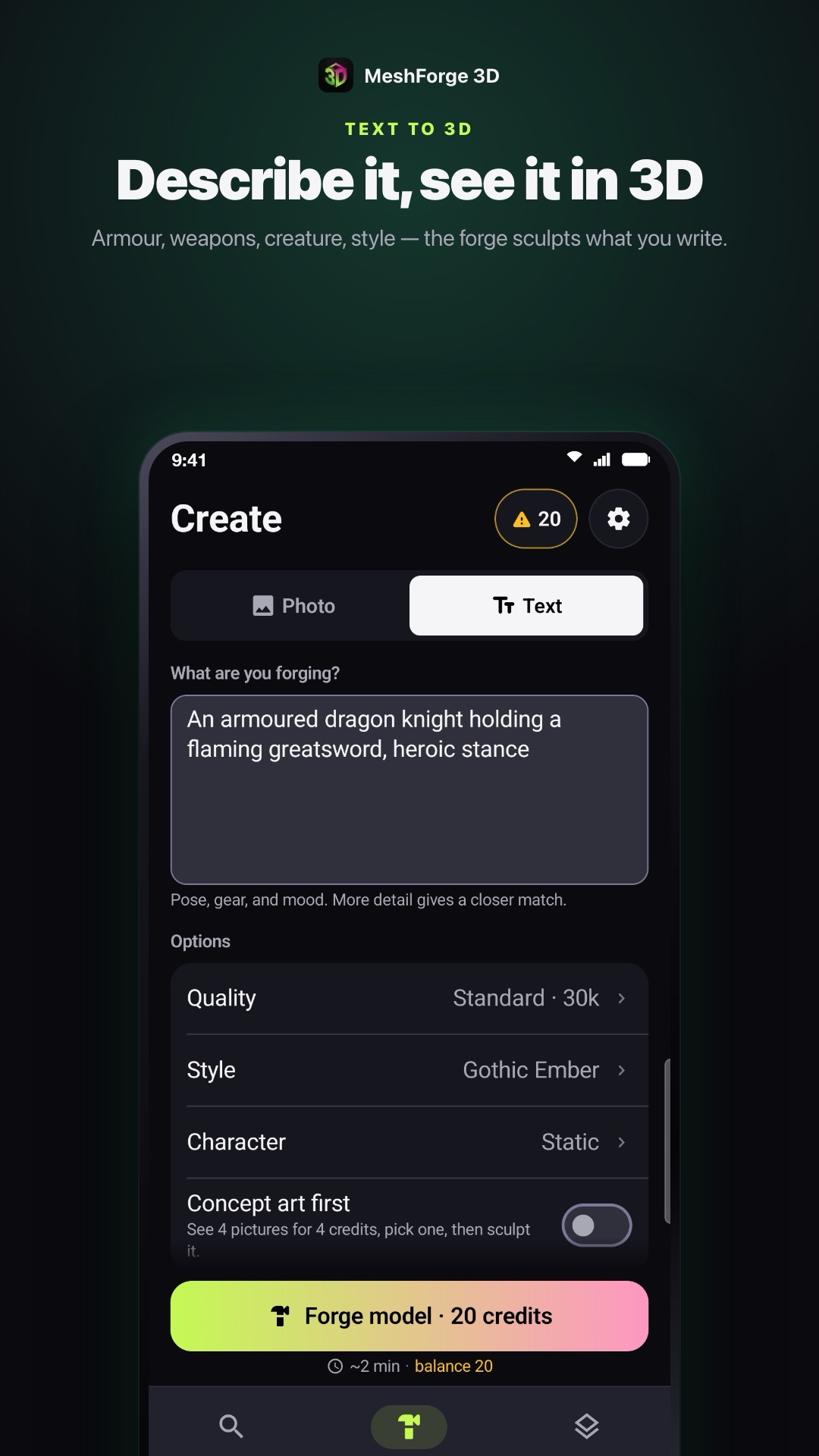
Describe the character — armour, weapons, creature, pose — or start from a drawing, concept art or a photo. Add up to four views of the same character for a closer match.
Concept Art First
Not sure how it should look? See four pictures of your idea, pick the one you like, and sculpt that one. Choose a style and a quality level before you forge.
360° Inspector
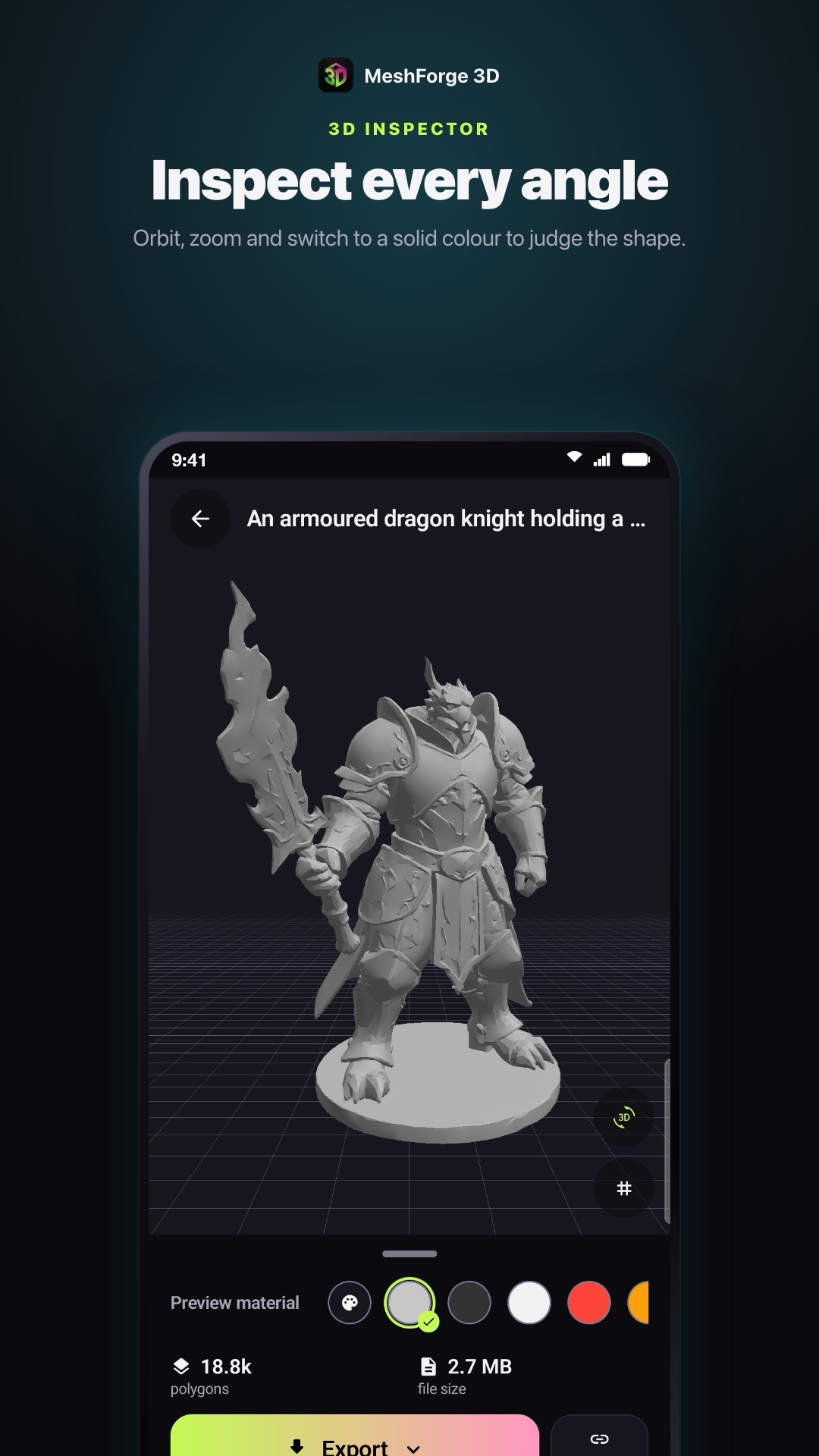
Orbit and zoom around the model, let it turn on its own, or switch to a solid colour or wireframe to judge the shape. Polygon count and file size for every model.
Prepare for Print
A mesh check on the device for holes and non-manifold edges, a height in millimetres with the resin it needs, a base under its feet, and STL or 3MF export for your slicer.
Your Printers, Live
Add Bambu Lab, Prusa, Creality, Elegoo, Anycubic, Klipper (Moonraker) or OctoPrint printers on your Wi‑Fi and follow every print: progress, time left, temperatures, pause and stop. Nothing goes through a cloud.
Slice & Send to Bambu
On iPhone and iPad, slice a model on the phone and start it on a Bambu Lab A1, P1S or P1P in PLA or PETG — then bring its timelapse back to your phone.
Community
Browse what others forge, like it, and remix a prompt into your own model. Share yours with a community name — and let others print it only if you choose.
Export & Share
Export the GLB and the other files a model comes with, or a game pack with every file in one .zip. Share a web link to the model, and switch it off any time.
See It on Your Desk
Place the model on your table in AR before you print it, and make USDZ files right on the device.
How It Works
Three steps, a few minutes.
Describe or snap
Type the character, pick an idea from Discover, or add up to four photos of a drawing or figure. Choose a style and quality, and see the credit cost before you start.
Forge & inspect
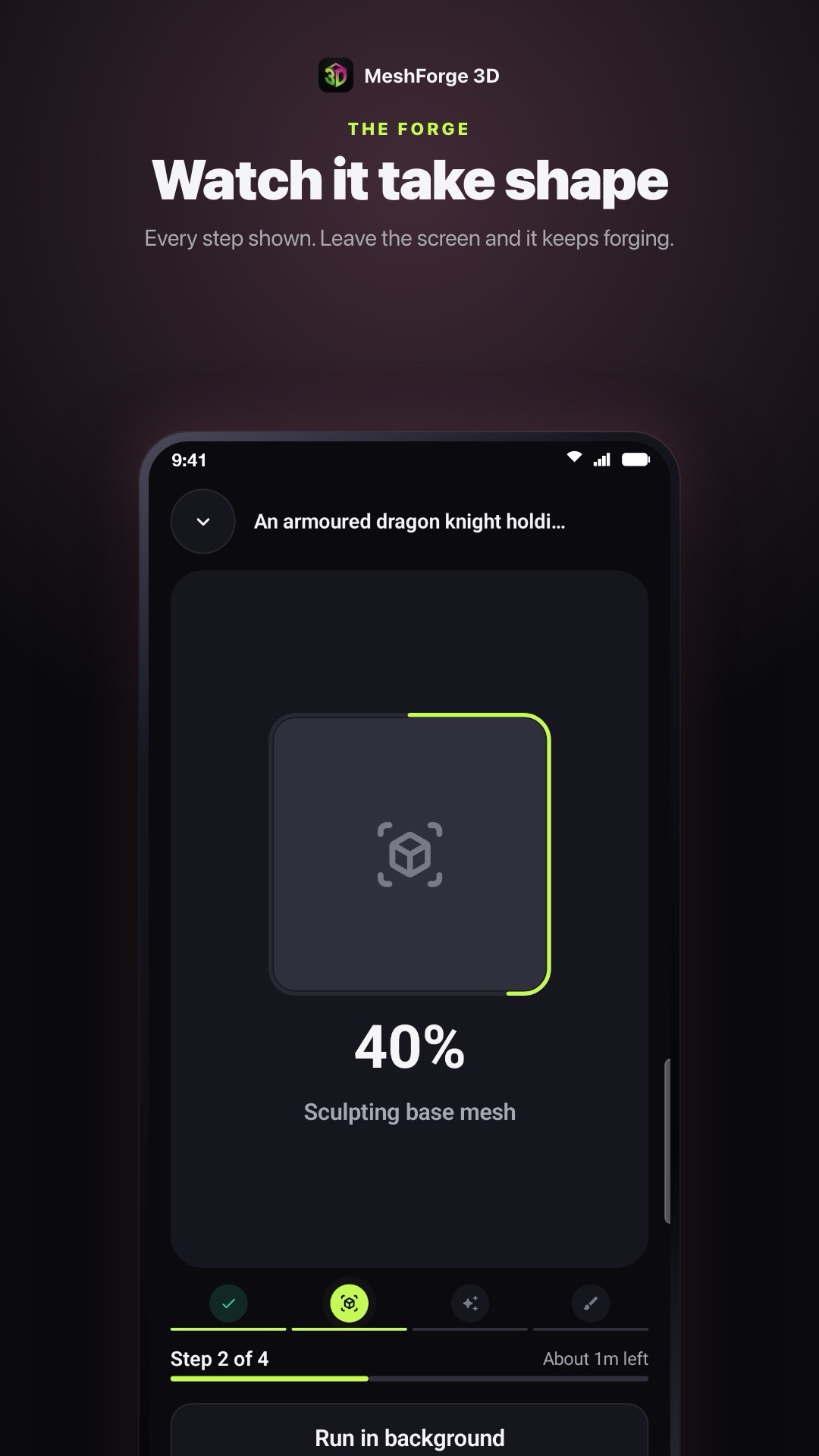
Watch each step as the model is sculpted and painted — or leave; it keeps forging. Then orbit it, zoom in, and switch to a solid colour or wireframe.
Print, play or share
Prepare it for print and export STL or 3MF, follow it on your printer, share it with the community, or export the GLB or a game pack for your game.
Screenshots
A real forge, start to finish
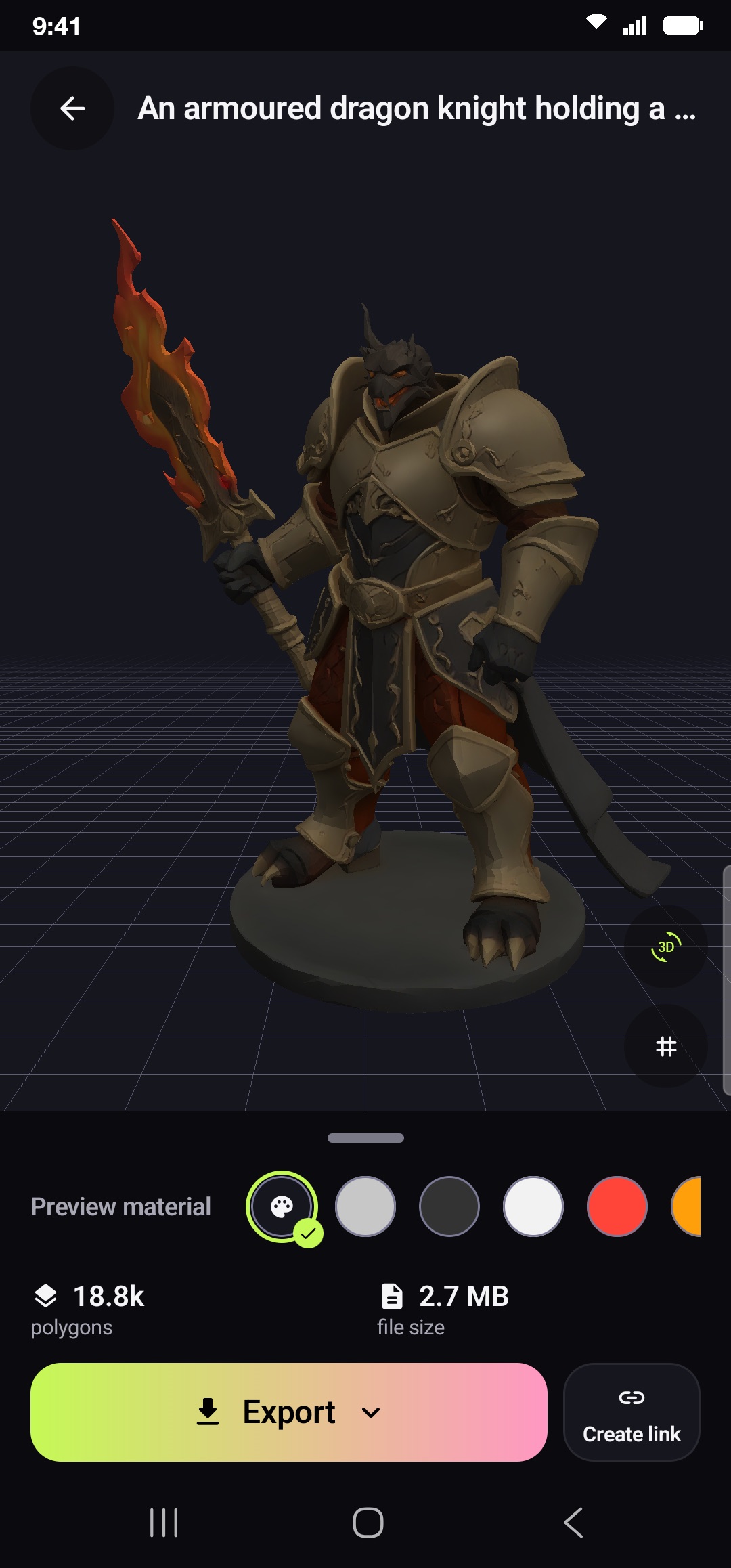
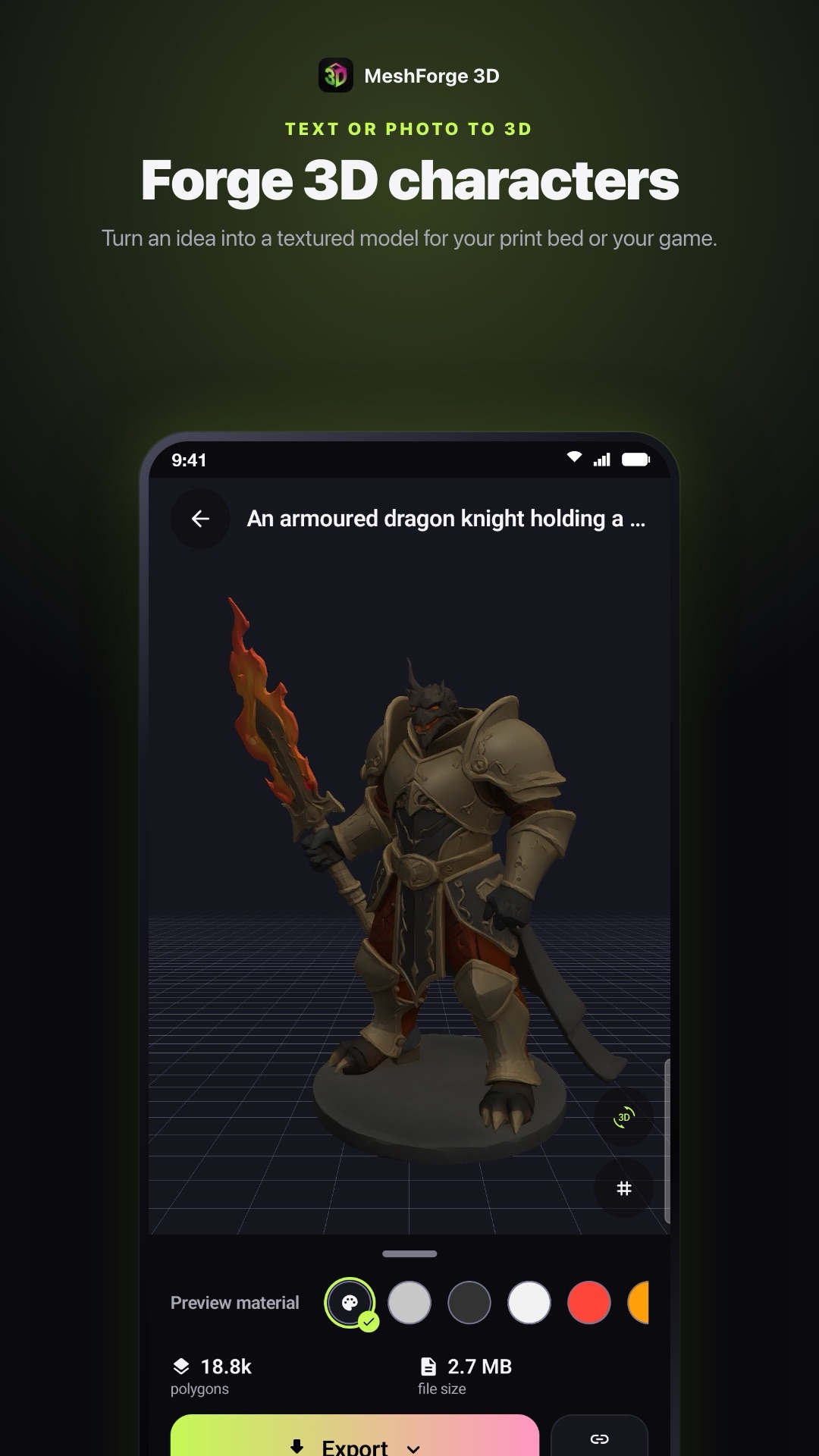
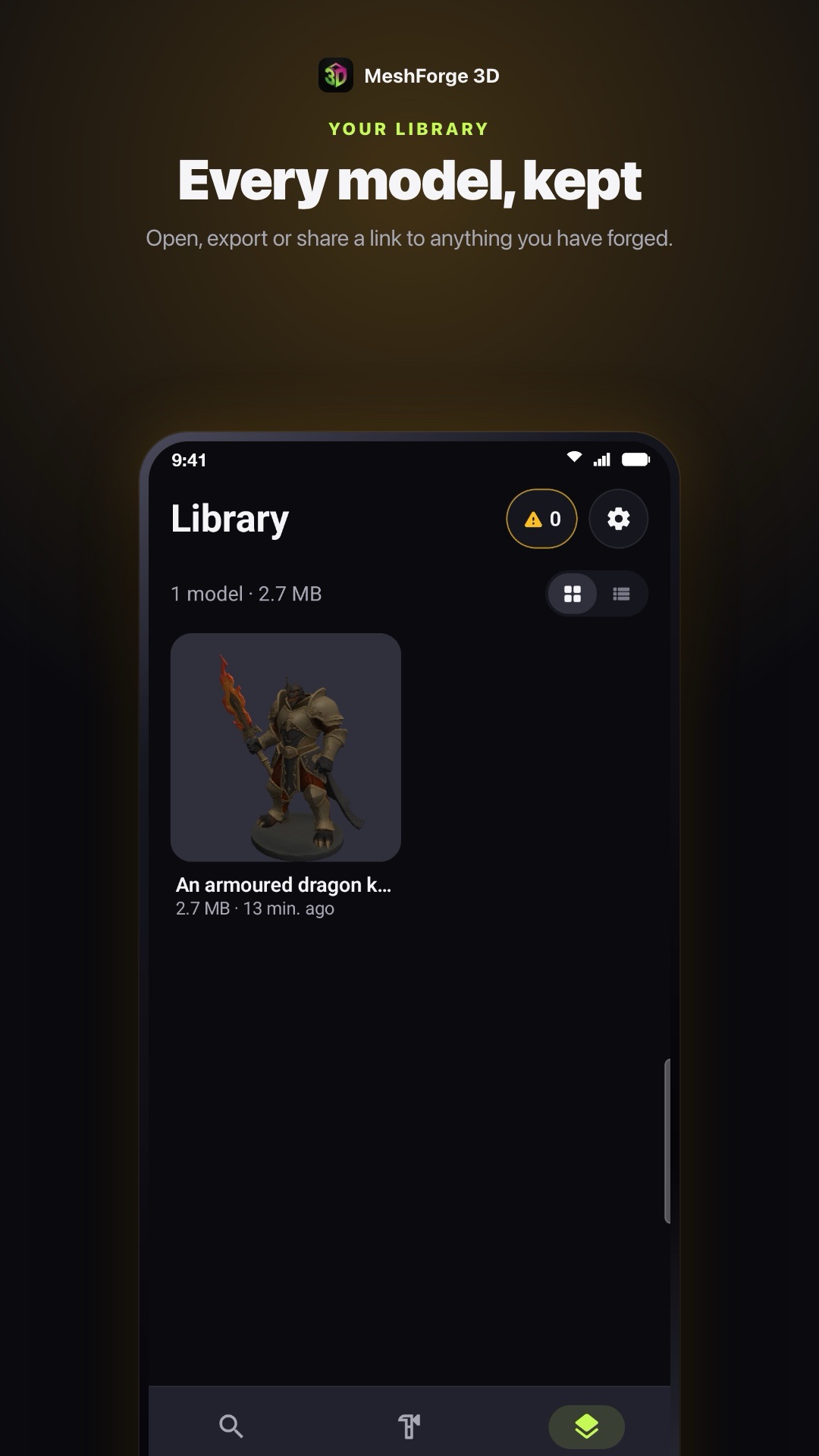
Captured in the app: “An armoured dragon knight holding a flaming greatsword, heroic stance”.
iPhone, iPad & Android
What each app does
Save your account with Apple or Google to take your credits and models to a new phone.
| Feature | iPhone & iPad | Android |
|---|---|---|
| Text to 3D, photo to 3D (1–4 views), concept art first | ✓ | ✓ |
| Discover: ideas to start from | ✓ | ✓ |
| Community: browse, like, remix, share, print when allowed | ✓ | ✓ |
| 360° inspector, solid colours, wireframe | ✓ | ✓ |
| Export GLB and delivered files, game pack .zip | ✓ | ✓ |
| Web link to a model | ✓ | ✓ |
| Save files to the device | Share sheet | ✓ |
| Prepare for print: mesh check, size, base, STL / 3MF | ✓ | ✓ |
| Printers on your Wi‑Fi: live status, pause, stop | ✓ | ✓ |
| Slice on the phone and send to Bambu Lab A1 / P1S / P1P | ✓ | — |
| Printer timelapses | ✓ | — |
| OBJ made on the device | ✓ | ✓ |
| USDZ made on the device, AR Quick Look | ✓ | — |
| Save your account | Apple or Google |
iOS 15.0 or later · Android 8.0 or later
Frequently Asked Questions
Good to know
What does MeshForge 3D make?
A textured 3D model of a character, creature or object, from a text description or from one to four photos or drawings of it. You get the GLB file and the other formats the model comes with.
Can I 3D print the models?
Yes. Prepare for print checks the mesh for holes and non-manifold edges, sizes it in millimetres, adds a base, and exports STL or 3MF for your slicer — or hands the file to your printer maker's app. A model that fails the check may need fixing before it slices well.
Which printers does it work with?
The Printers tab follows printers on your Wi‑Fi: Bambu Lab (LAN), PrusaLink, Klipper (Moonraker), OctoPrint, Elegoo (SDCP) and Creality OS. On iPhone and iPad you can also slice on the phone and start a print on a Bambu Lab A1, P1S or P1P in PLA or PETG; for other printers, export the file or send it to your slicer.
What is the community?
A feed of models other people chose to share. You can like them and remix their prompt into your own model, and print one only when its author allows it. Posts are screened before they appear, and you can report a post or block its author at any time.
Can I use them in a game?
Yes. GLB opens in most 3D tools and game engines, and a game pack bundles every file of a model, in folders, in one .zip.
How long does a forge take?
A few minutes, depending on the quality you pick and how many photos you add. The app shows an estimate before you start, and keeps forging if you leave the screen.
How do credits work?
Each forge costs credits, shown on the button before you start. Buy a credit pack or subscribe to MeshForge Pro for credits every week, month or year, through the App Store or Google Play.
Do I need an account?
No sign-up. The app creates an anonymous account on your device. To keep your credits and models when you change phones, save it with Apple or Google (Google only on Android) — it stays the same account, nothing starts over. You can delete it in Settings at any time.
Who owns what I make?
You do, as far as the law allows, subject to the Terms of Service — you can print, paint, sell prints of or use your models in your projects, as long as your prompts and photos do not infringe anyone else's rights.
Fire up the forge.
On iPhone and iPad (iOS 15.0 or later) and on Android (8.0 or later).